
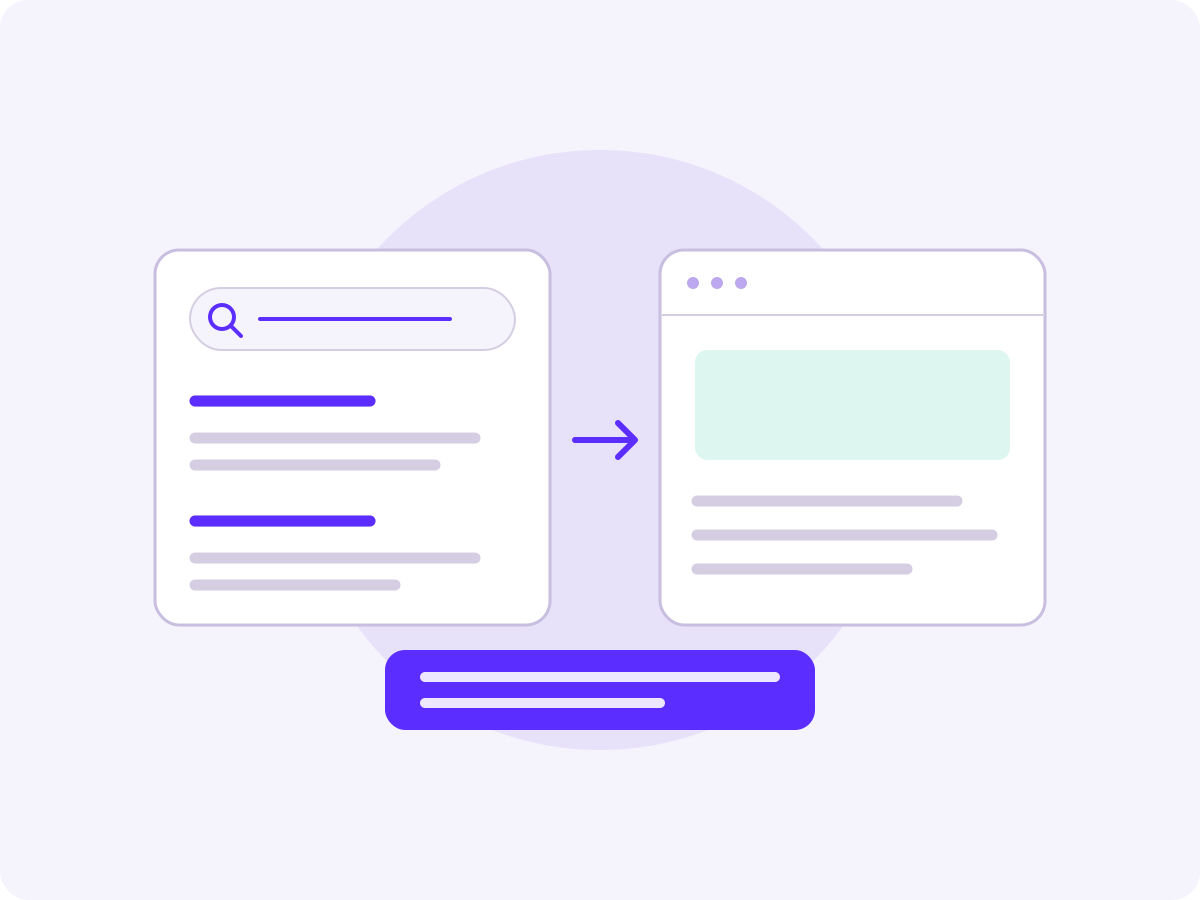
A page disappears from a search result, but someone can still open its link. That is possible because a search engine and the website hosting the page control different things. A removal plan needs to say which location it addresses.
Start by separating three questions: is the content still on the source website, does Google still show a result, and is the result describing an older version of the page? Each answer can point to a different next step.
Understand the two locations
The source is the post, image, video or page on the site where it is hosted. A search result helps someone discover that source. Google's personal-information removal guidance explains that removing a result does not remove the underlying content from the internet.
What are you trying to change?
- The original page or post: use the publisher's, platform's or host's relevant route.
- A Google result for content that is still online: check whether a Google removal policy or legal process applies.
- A result showing deleted or changed content: check the outdated-content route.
These tasks can overlap. Record them separately so “removed” does not accidentally mean only “I could not find it in one search”.
Prepare the right links
Keep the source URL, a note of what it shows, and the relevant search-result context. If an image is involved, distinguish its direct image URL from the surrounding webpage. Do not send only a search homepage or a cropped screenshot that hides which result you mean.
Google reviews the URLs supplied in a personal-information request, so identify every location you want assessed rather than assuming a report covers an entire site. Its form guidance explains how to obtain the relevant links. Google's URL and screenshot guidance.
Keep sensitive evidence private. Do not post addresses, identity documents or intimate content publicly to demonstrate what needs removal. Do not capture or redistribute sexual imagery involving someone under 18; follow the child-safety reporting routes instead.
If the source is still online
Look for the source site's official reporting or contact route. Explain the specific issue accurately: personal information, impersonation, copyright and disagreement with a post are different situations. A request should make clear who is affected and why the chosen rule applies, without inventing authority or changing the facts to fit a form.
A separate request to Google may be available for qualifying private information or other covered content. Google describes both full removals and removals limited to searches containing a person's name or identifier; a decision can therefore have a narrower effect than removing a URL from every query. Public-interest considerations also matter. Read Google's policy and outcome explanations.
Use the current official route directly if you prefer. Google's removal overview separates requests about you from tools for a website you manage and points to legal-removal options. A page being unwanted does not by itself establish a policy violation.
If the page has changed or disappeared
Check the source first. If the relevant content has been deleted or changed but an old result remains, Google's Refresh Outdated Content guidance describes how to submit the affected page or image URL. This route concerns old search information; it is not a request to make a still-published page change its content.
Record what changed and when you checked it. If the page requires sign-in, is unavailable in your location or gives inconsistent results, describe that limitation. Do not claim that something was deleted everywhere merely because your device could not open it.
If you control the website
Tools for a site owner are different from a request concerning another person's website. Google's web-results removal overview describes temporary search hiding separately from permanent removal and recrawling after changes. Use the guidance for the site you actually manage.
Keep a record of the source change as well as the search action. If an organization controls the site, agree who is authorized to make the change and who will check the result. Do not provide account passwords or authentication codes to someone as a substitute for defining their permitted work.
Check outcomes separately
Use a short record for each URL rather than a single “done” label:
- Source check: accessible, changed, removed or not currently verifiable.
- Search check: the exact result or query checked, date and observed state.
- Decision: which platform responded and what that response actually covered.
- Remaining locations: other URLs that need their own assessment.
A search check is an observation, not proof that nobody can find the page. People may still use a direct link or another discovery route. Keep the source and search records connected so a follow-up does not repeat work or claim a broader result than was obtained.
Afnihi assesses search-result removal separately from personal-information removal at the source. A proposed scope should name the locations and work included before payment. You can read how the review and authorization process works or use the free official routes linked in this guide.
Sources and review notes
Sources checked 20 November 2026: Google's personal-information removal guidance, web-results removal overview and Refresh Outdated Content instructions. They were directly readable during review. The record layout and checking suggestions are Afnihi's editorial guidance; they do not promise a removal, search position or response deadline. Apply the current policy to your own situation rather than treating this article as a legal determination.